
Activating Windows 11 confirms that your copy of the operating system is genuine and unlocks the full set of personalization, update, and security features. This guide walks through every supported activation method.
Learn how to activate Windows 11 using a product key or digital license, with troubleshooting tips for common activation issues.
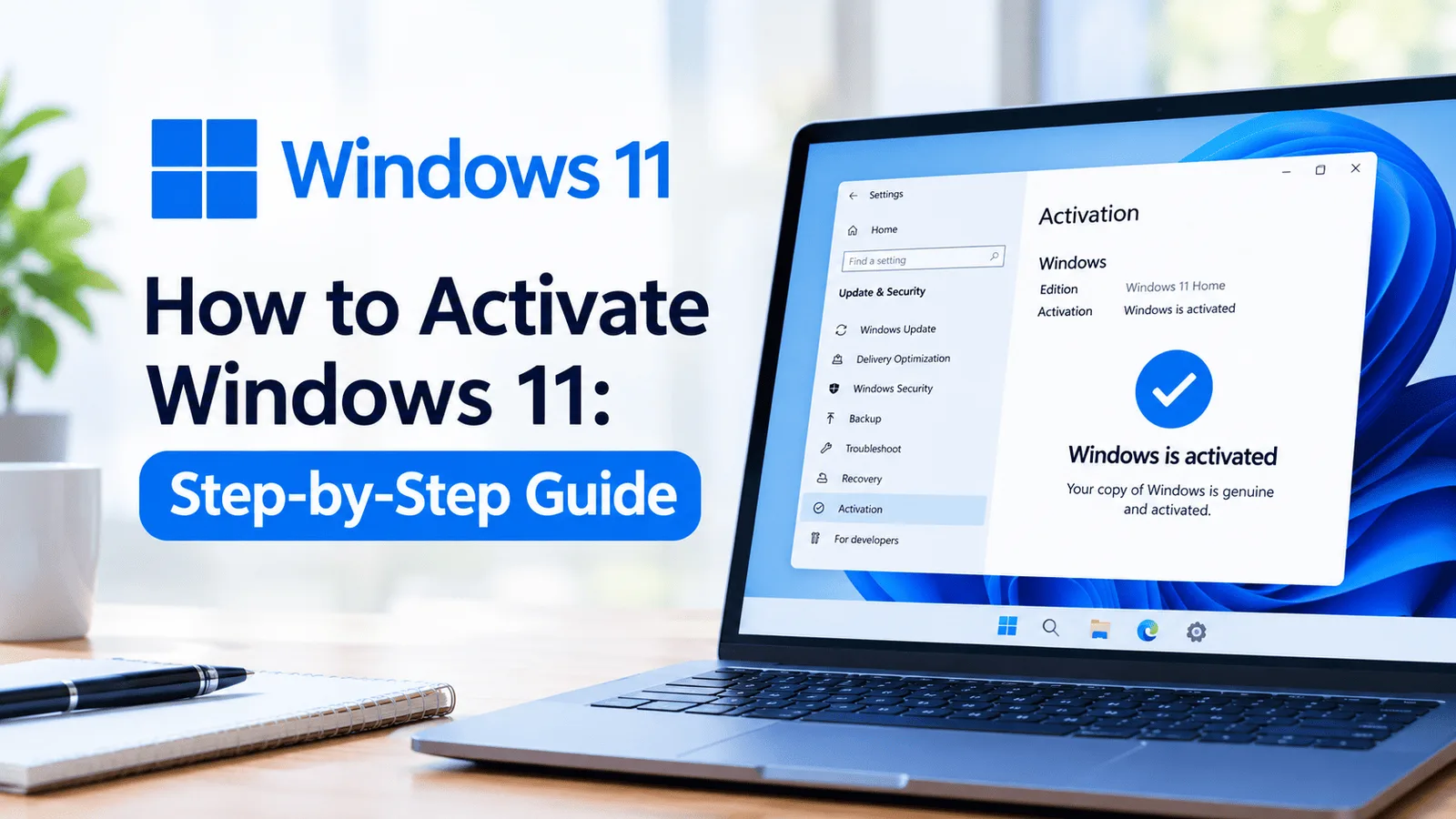
Direct Answer
To activate Windows 11, go to Settings > System > Activation and enter a valid 25-character product key, or sign in with a Microsoft account linked to a digital license.
Activating Windows 11 confirms that your copy of the operating system is genuine and unlocks the full set of personalization, update, and security features. This guide walks through every supported activation method.
Activation links your installation of Windows 11 to a valid product key or Microsoft account digital license. An unactivated copy runs with a watermark and restricted personalization options until a valid key is entered.
Pro Tip
Always buy genuine Windows 11 keys from trusted sources to ensure secure activation and lifetime updates.
Sources & References
Get the latest tips, guides and exclusive offers straight to your inbox.